 Tony Carnevale
The short answer
Send a read-only share link for the charts, or invite them to the one site when they need visitor trails. Never hand over your login. Tick Let them see leads and ads only when they run your ads or answer your leads, because that box opens customers' names and messages. Remove them in one tap when the work ends.
Key takeaways
- A shared login cannot be taken back without changing your password, and it is tied to the account the site is billed to.
- A read-only share link shows the dashboard with no login, no visitor trails and no form values.
- An invited member sees traffic, pages, rankings and trails. In their trails, typed form values and tapped phone numbers are blanked.
- Leads and ad performance sit behind one checkbox, because together they hold your customers' names and messages and how the ads did.
- An invite stops working on its own if it is not accepted, and a member is removed from the same list in one tap.
Do not give them your login. Give them a read-only link to the dashboard if they need the charts, invite them to the one site if they need the visitor trails, and tick the box that opens leads and ads only if they are running your ads or answering your leads. Each of those is a different amount of your business, and each can be taken back on its own.
This is how access works in Venbit analytics, and the shape of it is the point of the article. The tracker on your site belongs to the site, so one line on one website serves any number of people looking at it. The only thing you grant is who may look, and at what.
Why your own login stays yours
A login is not a key you can ask for back. Once a password has been typed into somebody else's browser it is in their password manager, their notes app and the email they sent it in, and the only way to revoke it is to change it, which locks out everyone at once, you included.
The owner's login is also the one the site is billed to and the one that can delete the site or move it to a new owner. A designer who needs to see which pages people leave from does not need any of that, and giving it to them is how a business ends up not holding its own website. Keep the owner seat. Give out the seats beside it.
The three access levels
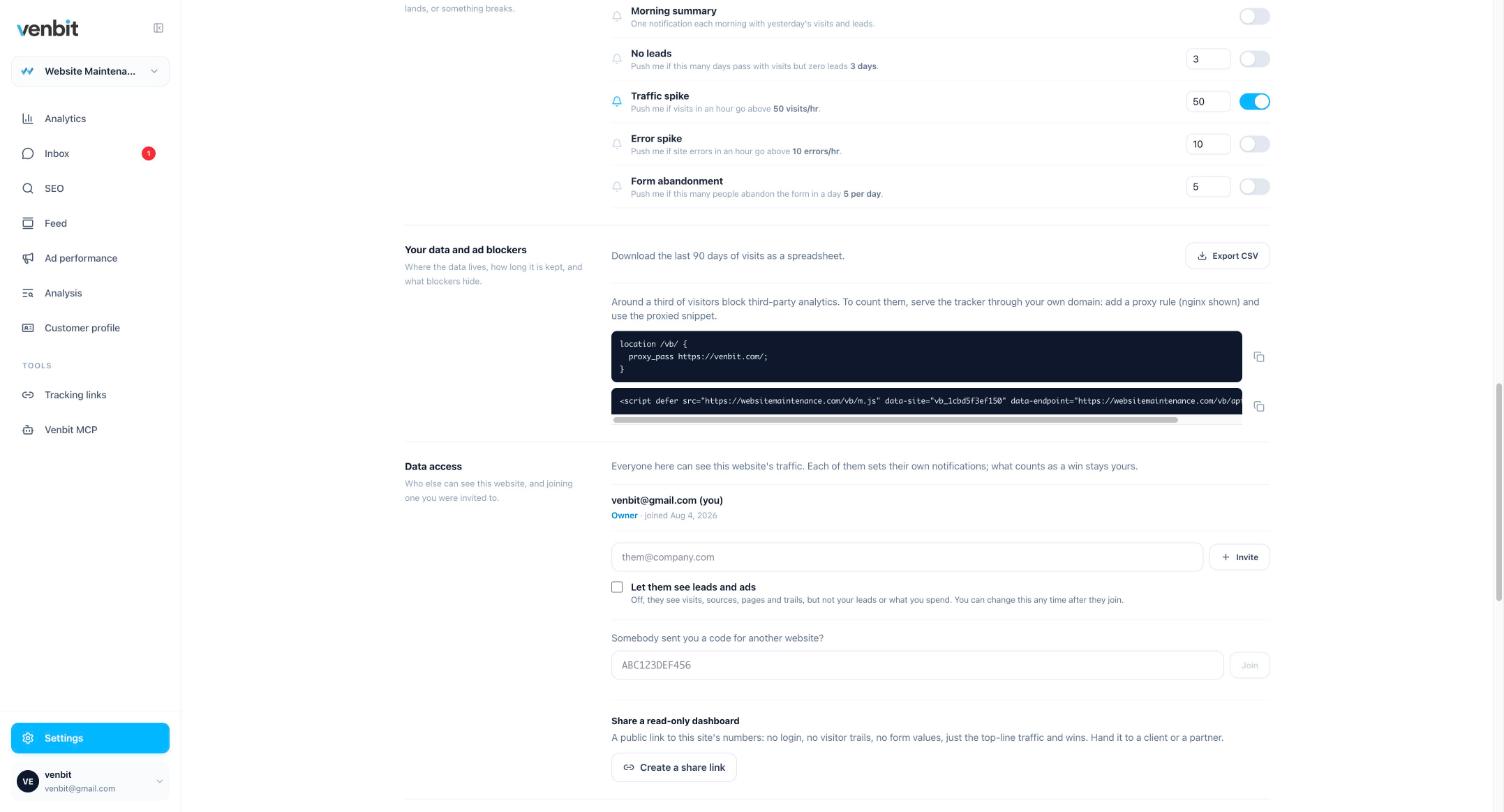
Settings on each site has a section called Data access and, under it, a section called Share a read-only dashboard. Between them they give you three things to hand out, and the table is the quickest way to see what each one opens.
| Access | How they get in | What they see | What stays hidden |
|---|---|---|---|
| Read-only share link | A public link, no login | The dashboard: visits, leads count, sources, pages, against the previous period | Visitor trails, form values, the inbox, ad performance |
| Member | Invited by email, accepts, signs in | Traffic, pages, rankings and alerts, visitor trails | Typed form values and tapped phone numbers in trails, the inbox, ad performance |
| Member with leads and ads | Same invite, with Let them see leads and ads ticked | Everything a member sees, plus the leads inbox and ad performance with the values people typed | Billing, deleting the site, inviting others |
| Owner | You | Everything | Nothing |
What a designer needs
A designer fixing a page wants to know which pages people land on, how far they read, where they leave from, and what they clicked that did nothing. All of that is in the dashboard, the page detail and the visitor trails, and none of it needs a name. The read-only link covers a designer working on one page. An invite without the leads box covers a designer rebuilding the site, because they will want the trails.
Two things earn the invite. A trail shows a rage click or a dead click as a step in the visit, on the page and the element it happened on, and the Problems option in Export for AI ranks rage clicks, dead clicks, form errors and JavaScript errors by how many different people hit each one, so a designer sees the button that fails for twenty people above the one a single tester hammered. Load speed is not a portal screen: the free Website Checkup and the MCP's site_speed tool report it as real visitors measured it, which settles the argument about whether the site is slow with the visitors' own phones instead of a lab score.
A member's trail is the full story with the private part blanked. That a form was sent, when, and on which page is still there, because that is what makes a trail readable. What they typed into it is gone, and so is the phone number a tap dialled, because those belong to whoever may read leads. Whether you hire a designer, an agency or build it yourself, the person moving pixels never needs the customer's email address.
What access a marketing agency should have
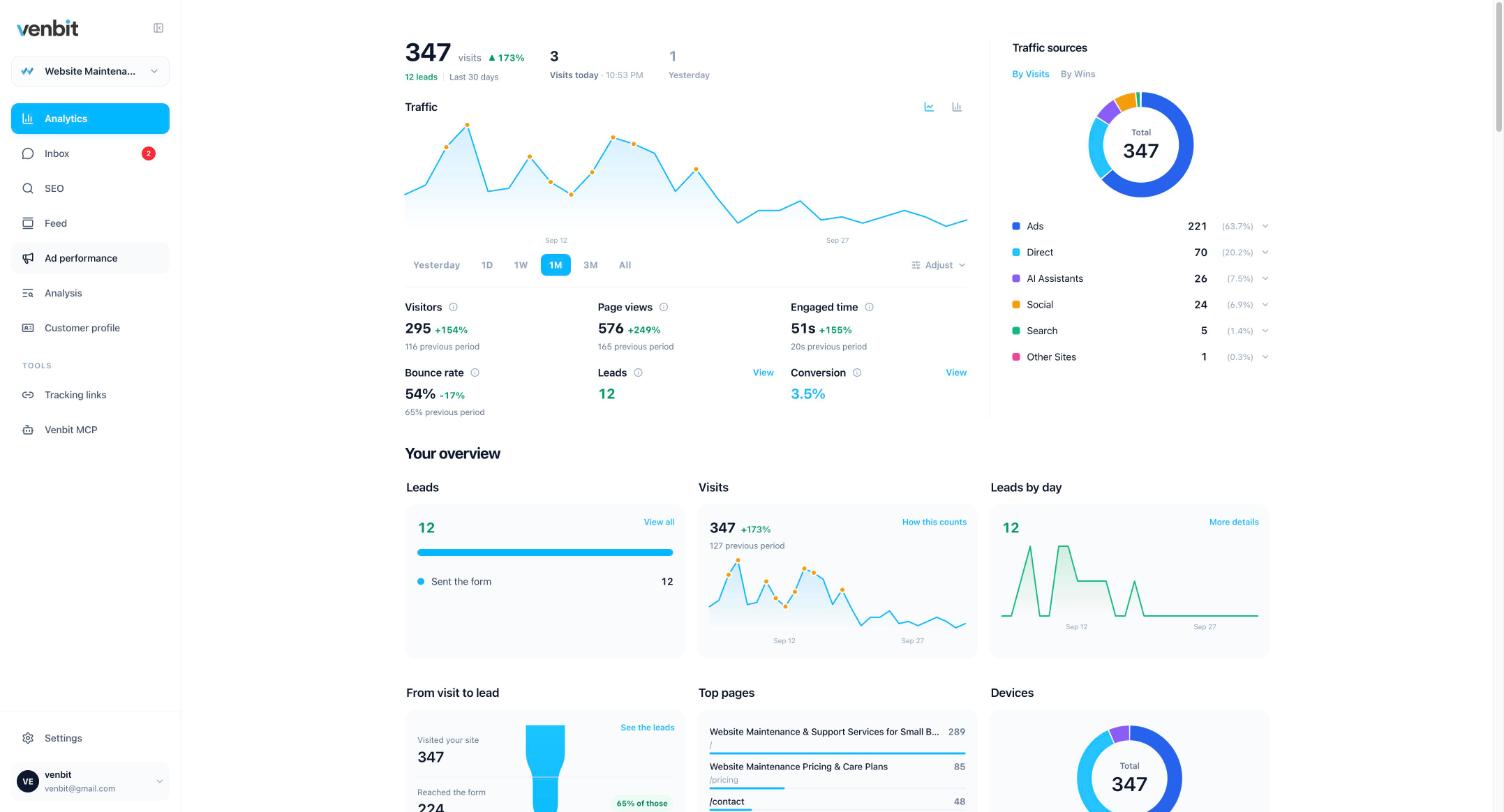
A marketer running your ads needs the other half. Which clicks became leads, which campaign each lead came from, what the person wrote, and whether you marked them won or lost. That is the inbox and the Ad performance tab, and both sit behind the one checkbox, Let them see leads and ads.
The two are gated together on purpose. The inbox holds your customers' names and messages. Ad performance holds which campaigns the business runs and what each one brought. A person who is allowed to see one of those is a person you trust with the other, and a person you do not trust with either should have neither. Rankings ride with ordinary membership instead, because a position in Google is not a secret.
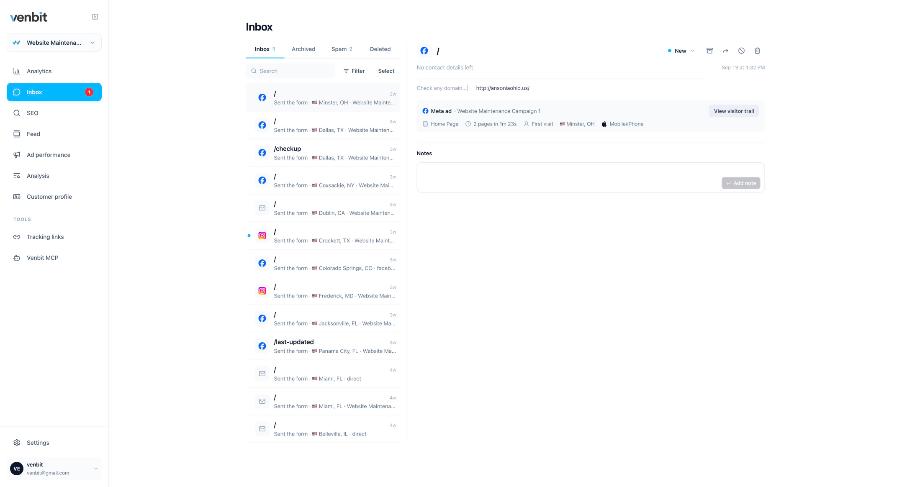
Before you hand a marketer the leads, agree on what a lead is. If you count phone taps and they count forms, every monthly conversation will be an argument about a number instead of about the business. Settings has a picker for what counts as a win on your site, and what counts as a lead on your website is the longer answer. A phone tap, for the record, is intent, which is a different thing from a connected call.
Adding a user, and removing them
Type their email into the Data access box, tick or leave the leads checkbox, and press Invite. They get a code. When they accept it, their name appears in the list under the line that reads Everyone here can see this website's traffic. If they already have Venbit for another site, the line Somebody sent you a code for another website is where they paste it, and your site joins the ones they can switch between.
A member hears about the site the way you do. Ranking alerts and new Google reviews reach every member by default, and each person has the switches in Settings to mute the kinds they do not want. A designer who does not care that a keyword moved to page one turns that one off and keeps the rest. You do not have to manage their notifications for them.
An invite that nobody accepts stops working on its own. It is good for long enough to reach somebody on holiday and short enough that one emailed to the wrong address is not a standing door. A member who has accepted is removed from the same list in one tap, and that is the whole procedure for the day a designer finishes or an agency is let go. No password change, no email to support.
The same list is in the iPhone app, so you can see who has access and remove someone from your phone. The share link is the one thing to be deliberate about, because it is a public address: anyone holding it can open the dashboard without signing in. Make it for a specific purpose and treat it like a document you handed out.
Sharing analytics with a partner or lender
A business partner, a bookkeeper or a lender wants to know whether the website is doing anything, and the read-only link is the right answer for all three. It shows the dashboard, the visit and lead counts against the previous period, the sources and the pages, and it needs no account on their side. Nobody in that list needs a customer's phone number.
A new employee who will answer the leads is the opposite case: a full member with the leads box ticked, so the push for a new lead reaches their phone and the inbox is theirs to work. When they leave, they come off the list the same way a contractor does.
When they bring their own analytics
A designer or an agency may install their own tracking on your site, under an account you have never seen. Ask to be a member of it with the same care you are taking here, in the other direction. The data about your customers should sit in an account you can open after the relationship ends, and that applies to whatever tool they prefer.
If the agency is the one holding the account, how an agency sets up many client sites under one login shows what the arrangement looks like from their side. The right version of it has you invited to your own site, able to see it tomorrow and able to remove them the day after.
Related services
More on reading your website's numbers
Every question in this series, from Website Analytics for Small Business Owners.
Leads inbox4
Ad performance4
SEO tracking3
Visitor behaviour4
Feed and notifications3
Goals and measurement4
Privacy, AI and teams3
- MCP Server for Website Analytics: Ask Claude About Your Own Site
- How to Share Website Analytics With Your Designer or Marketer (you are here)
- Analytics for Multiple Client Websites: One Login for an Agency

Tony Carnevale
Founder, Venbit
Tony started Venbit in Mill Creek, WA in 2011 and still does the work: web design, SEO, and the website analytics product the company builds and runs for its own clients. The numbers and screens in his articles come from that product, not from a content mill.