
Site Agent
An AI agent for your website, trained on your business.
It learns your business from your website and your documents, then answers visitors by chat or out loud, at any hour. When someone wants to hear from you, it asks for their name and number and hands you the conversation.


Knowledge
It learns from what you already have.
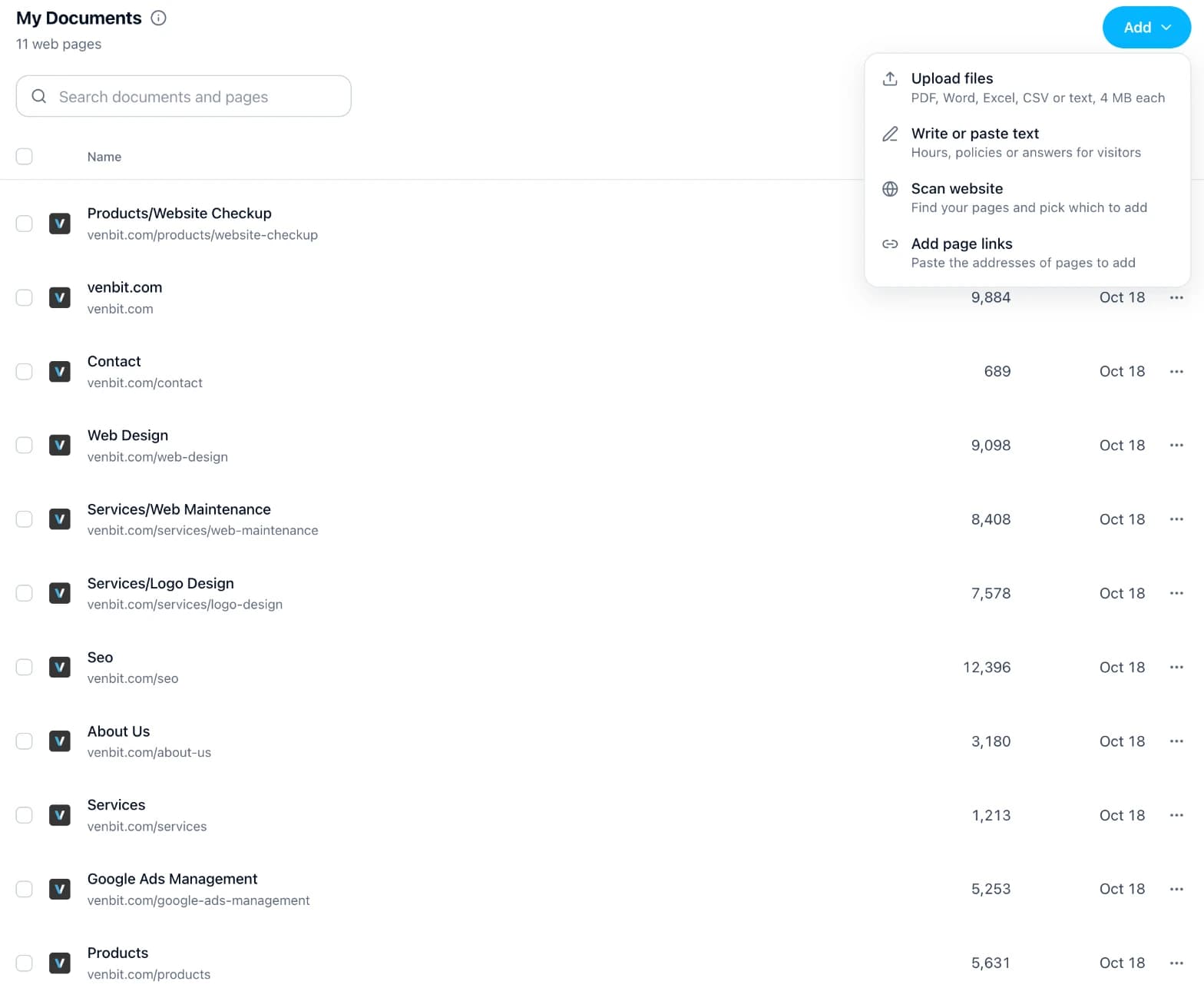
Scan your website and pick the pages to add, upload your files, or paste in your hours and policies. Change a document and the next answer uses it.
Scan your website
Venbit reads your sitemap and lists up to 150 pages at a time, sites built on Wix, Squarespace and Webflow included.
Upload files
PDF, Word, Excel, CSV or text, up to 4 MB each.
Where answers come from
Let it fill gaps with general knowledge, or keep every answer to your own documents.
Voice and look
A voice your visitors can talk to, in a design that fits your site.
Talk to it out loud.
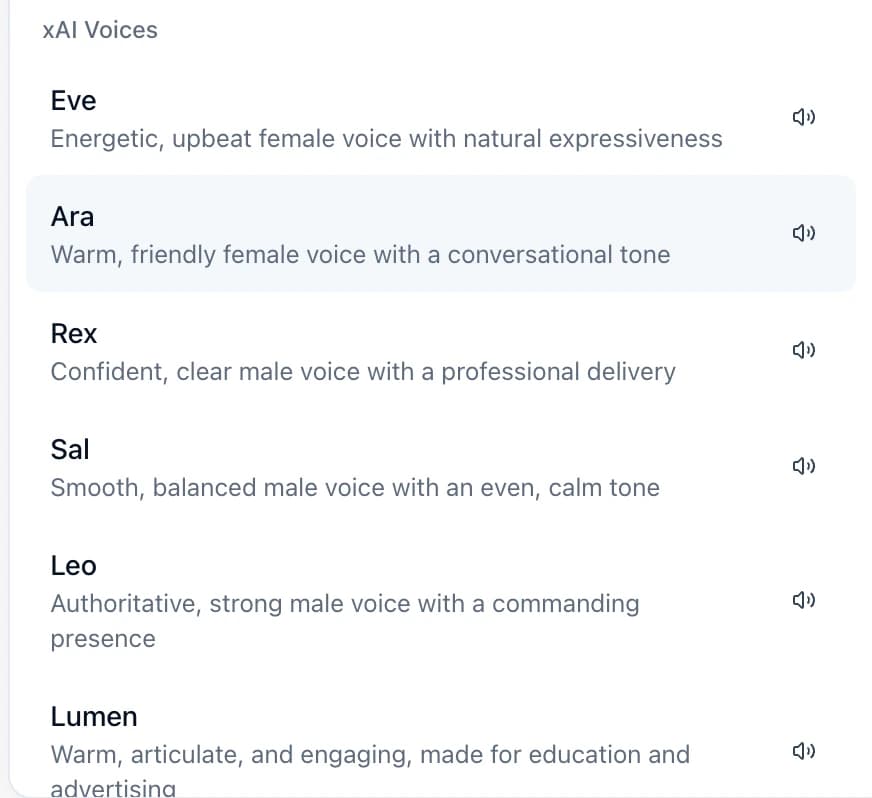
Visitors press Voice mode and speak. It answers in the voice you choose from 95, and they can cut in mid-sentence the way people do.
Styled to fit your site.
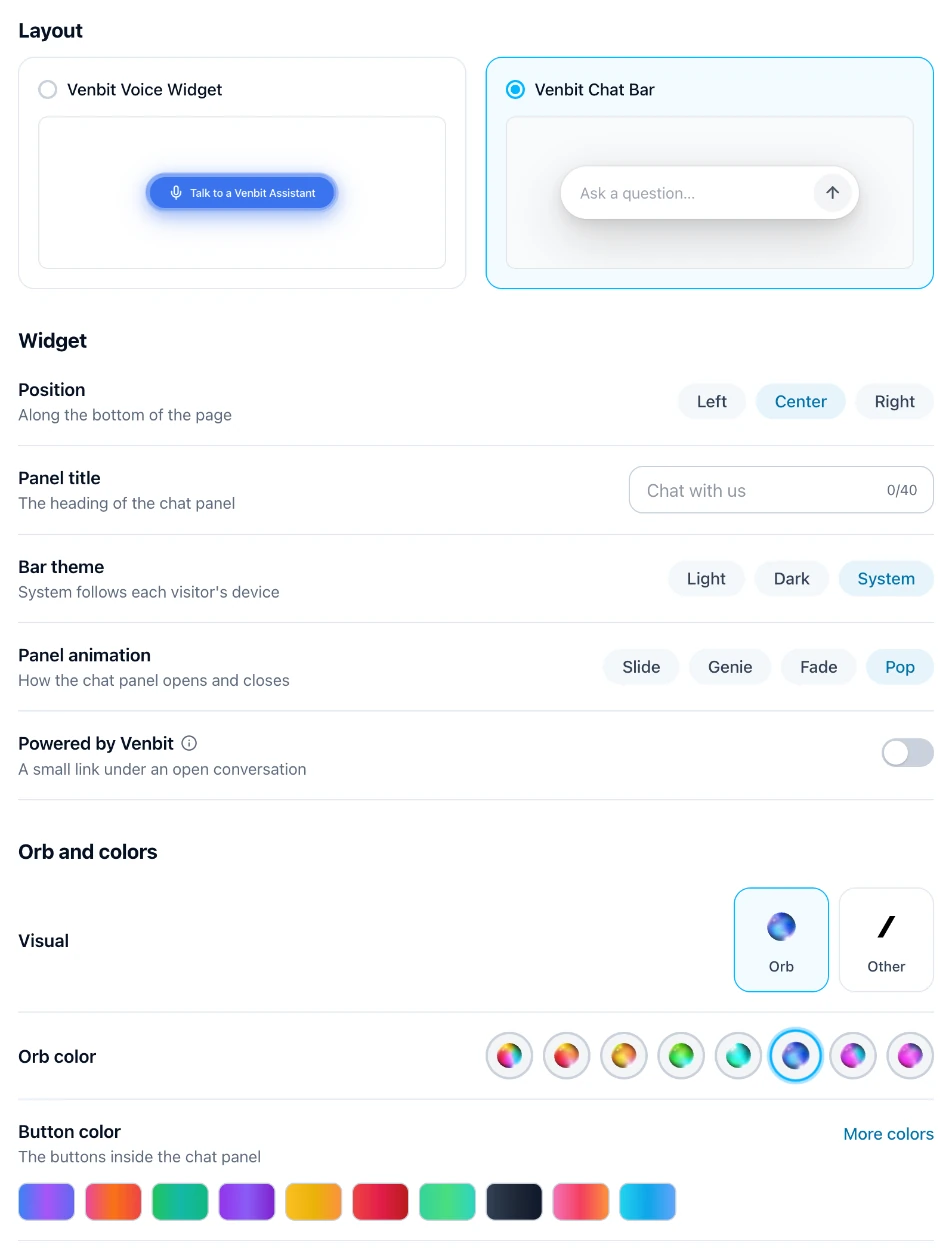
A chat bar or a voice button on the left, center or right, with the orb, button color and animation you pick. Live View shows it to you before you turn it on.
Leads
From a question to a lead in your Inbox.
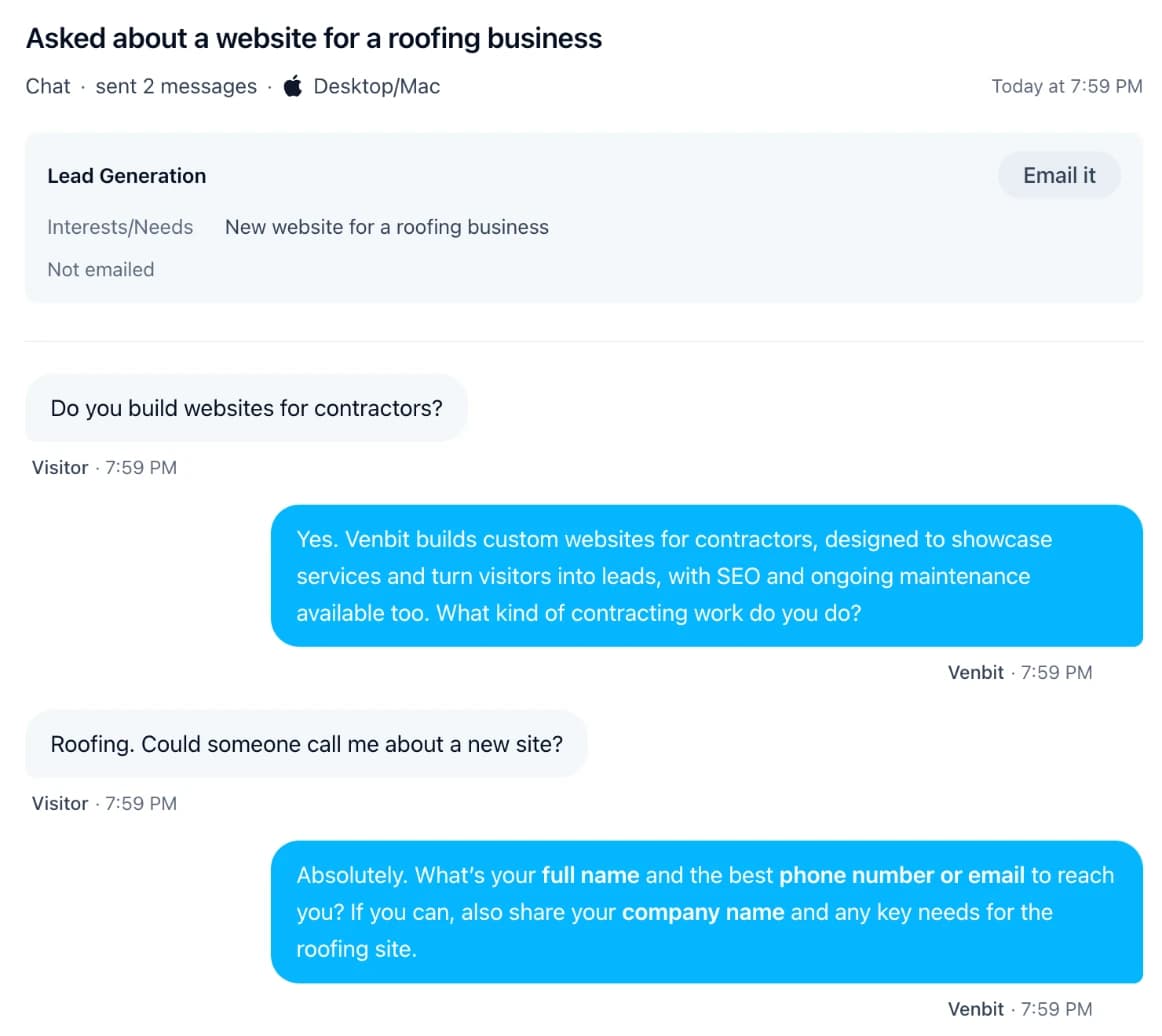
Tell Site Agent what to collect. It asks for a detail or two at a time and never insists. Once a visitor leaves a phone number or an email, the conversation arrives in your Inbox and in your email.

Pick what it asks for
Name, phone, email, what they need, an address or zip, the best time to reach them, or a question of your own.
Every conversation kept
Leads join your Inbox with the whole conversation. Every other chat waits under Site Agents with a one-line summary.
Reply from your email
Lead emails go to up to five addresses, and when the visitor left an email, your reply goes straight to them.
What people keep asking
The Feed names the questions that keep coming up and how many chats left a phone number or an email.
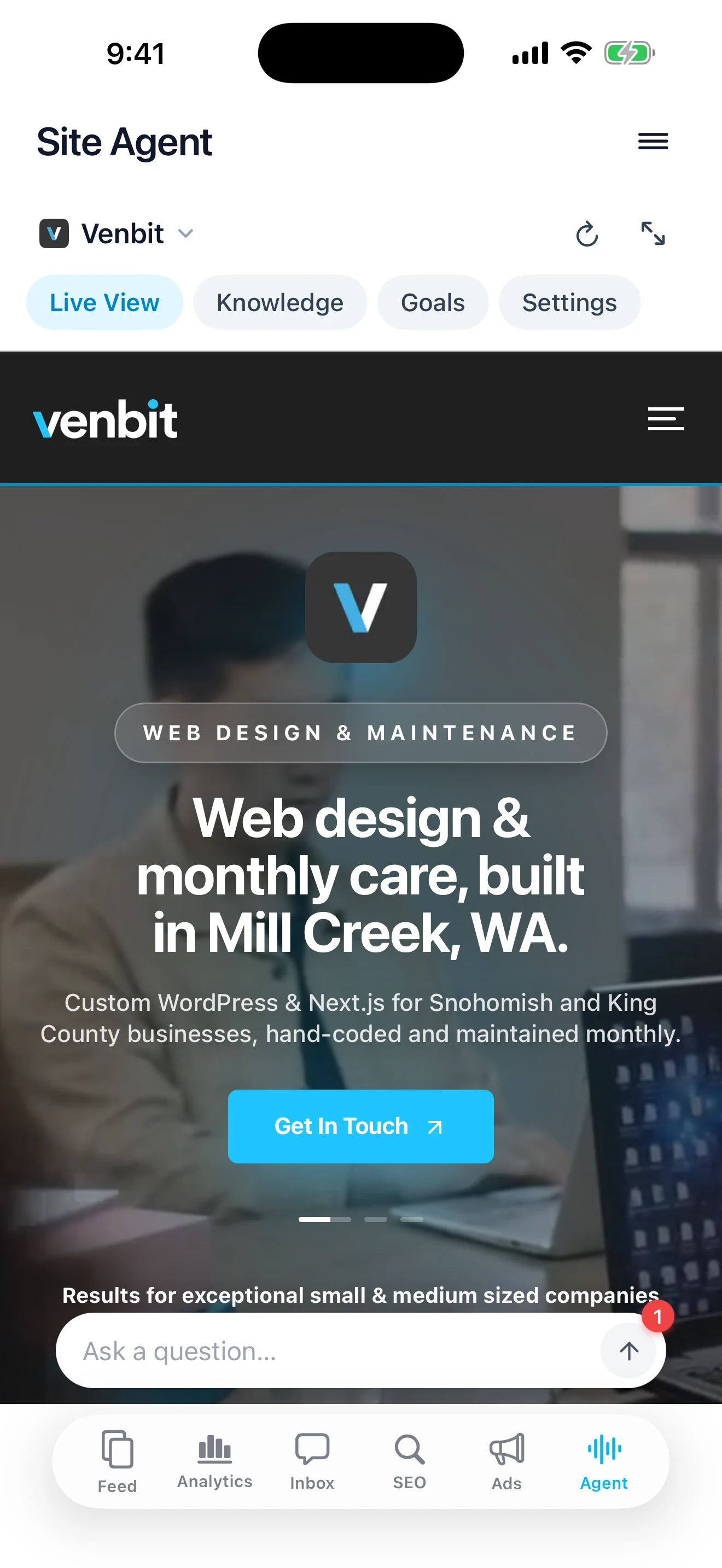
Setup
One switch puts it on every page.
Site Agent loads through the Venbit tracker already on your site, so there is no code to add. Turn on Show on your website, then run it from the web or from the Agent tab on your iPhone.
Live View
Try it the way visitors see it, even while it is off.
A welcome
It greets each visitor out loud or in the chat.
Starter questions
Up to six questions a visitor can press to begin.
A nudge
A short message that appears a few seconds after someone arrives.
Prompt writer
Describe your agent and Venbit writes its instructions.
Team access
Choose which teammates can manage it.
Explore Intelligence.
Feed and Analytics.Your website, explained in posts.
Inbox.Every lead, with the visit that brought it.
Ads & SEO.What your ads bring in and where you rank on Google.
The details.Alerts, goals, your team, the iPhone app and setup.

Venbit Intelligence
Add your website and watch the first visits arrive.